Guides › Quotes
Set up quotes for your company
Set quotes up the way your business numbers and prices them. About two minutes.
The short version
Quotes are on for every company: managers and admins see Quotes in the menu from day one. An admin opens Settings, Quotes to choose whether your company is registered for GST, and how quote numbers look.
-
Open Settings, then Quotes. This page is for admins. Your crew never sees quotes or prices.
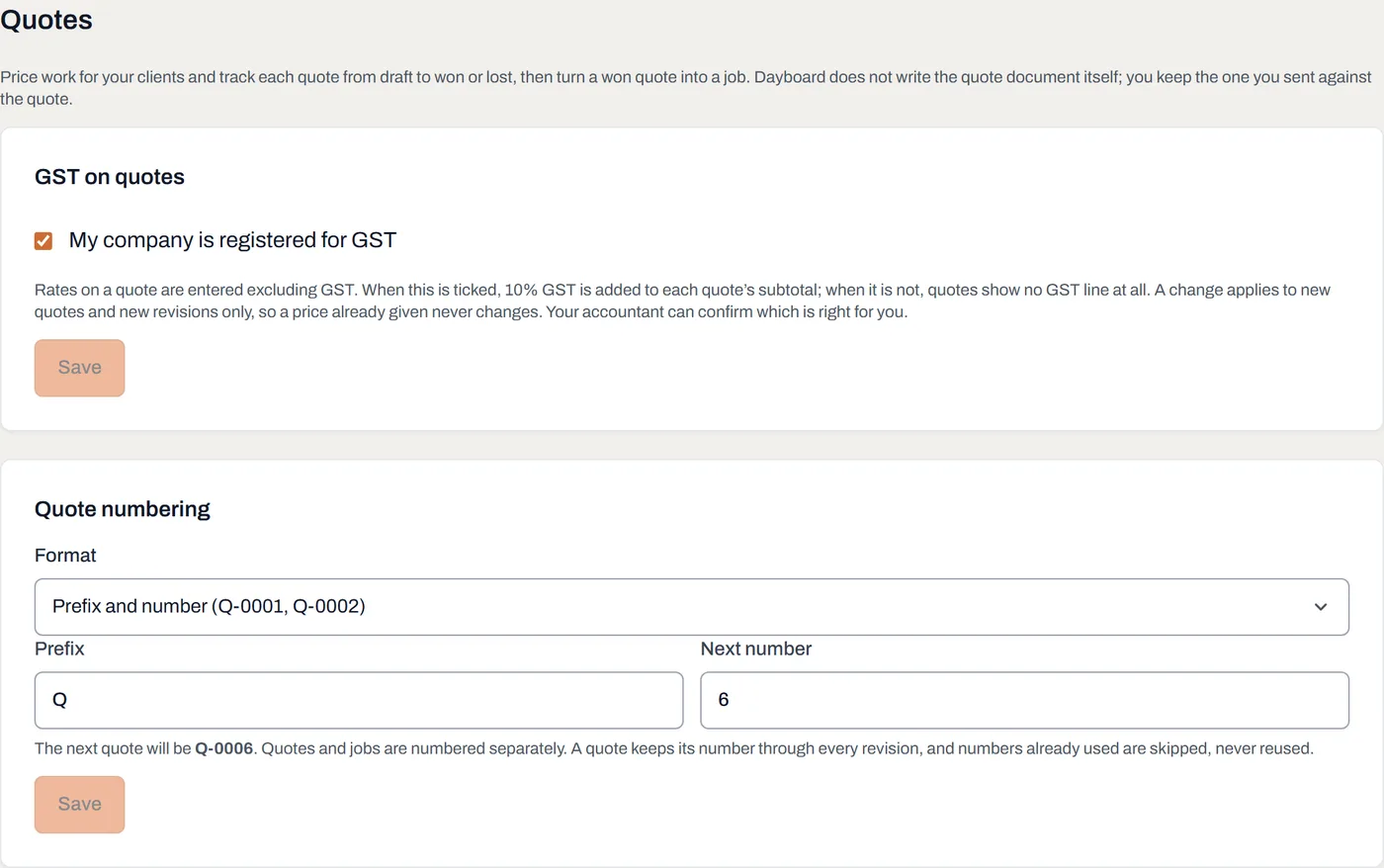
One page for your GST position and how quote numbers look. - Say whether you are registered for GST. Rates are entered excluding GST. When the box is ticked, 10% GST is added to each quote's subtotal; when it is not, quotes show no GST line at all. A change applies to new quotes and revisions only, so a price already given never changes. Your accountant can confirm which is right for you.
- Choose the quote numbering. A plain number (0001), a prefix and a number (Q-0001, the default), or the year and a number, restarting each January (2026-0001). Every format carries four digits. Set the next number to carry on from your old system; numbers already used are skipped, never reused.
Worth knowing
- Quotes and jobs are numbered separately, and a quote keeps its number through every revision.
- Your quotes are always in your data export, with every revision, note and change in their history.
- Bringing quotes over? An admin can import a spreadsheet from the quotes list: one quote per row, with the decided date, so last year's wins land in last year.
- Reports on the quotes list show your win rate, won value by month and by quote manager, the open pipeline, and quotes by client.