Guides › Getting started
Put Dayboard on your phone
Dayboard on your home screen, opening full-screen like an app, no app store. About a minute.
The short version
Open Dayboard in your phone's browser and add it to the home screen: Share then Add to Home Screen on an iPhone, the browser menu then Add to Home screen on Android. You get a Dayboard icon that opens full-screen with no browser bar, and it keeps itself up to date on its own.
-
Open Dayboard in your phone's browser and sign in. Go to www.dayboard.com.au, tap Sign in, and use your email and password.
- On an iPhone, do this in Safari, where the add-to-home-screen option lives.
- On Android, do it in Chrome.
-
On iPhone: tap Share, then Add to Home Screen. The Share button is the square with an arrow pointing up, in Safari's toolbar.
- Scroll the share sheet until you see Add to Home Screen and tap it.
- Leave the name as Dayboard and tap Add.
-
On Android: open the browser menu, then Add to Home screen. The menu is the three dots at the top right of Chrome.
- Tap Add to Home screen. On some phones the same entry reads Install app. Either does the same thing.
- Confirm, and the icon lands on your home screen.
-
Open it from the home screen. It opens full-screen: no address bar, no tabs, just Dayboard, with the main sections in a tab bar along the bottom.
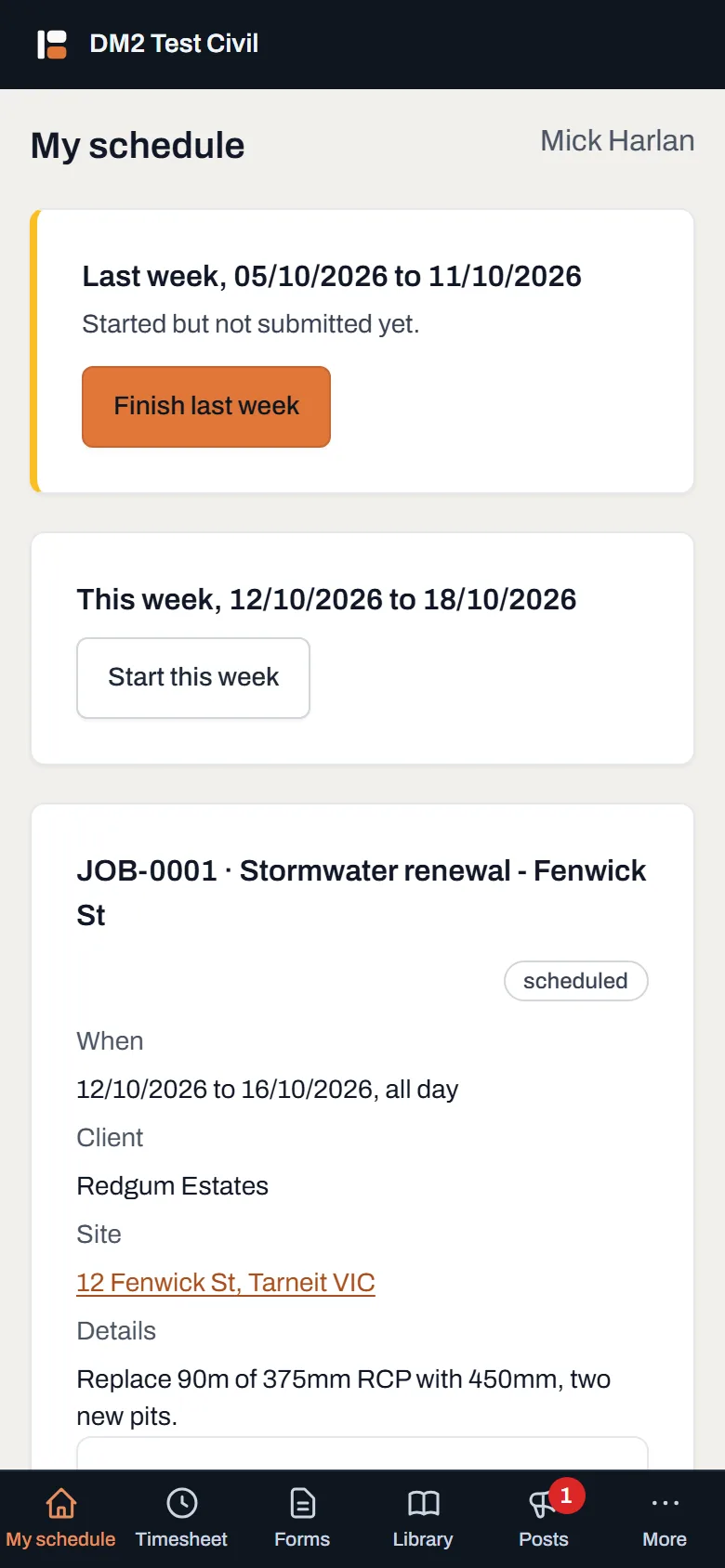
My schedule, the screen your crew lives on. Where they're going, when, and every document for the job, one tap from the home screen. - Check it worked. There's an icon named Dayboard on your home screen, and opening it shows the app without any browser around it. That's it. Get every phone on the crew set up the same way.
Worth knowing
- There's nothing to update, ever. No app store means no store account and no pending updates. The next time you open it, you're on the newest version automatically.
- It's the same Dayboard. Same account, same data as the office computer. The phone just gets a layout built for a phone, with the schedule opening on today's list.
- You still need signal for your data. With no coverage at all, Dayboard shows its own "can't reach the server" page rather than a browser error, but bookings and documents need a connection to load.
- Setting up a field worker's phone? Once the icon is on their home screen, point them at the crew guides: four short pages cover everything their app does.