Guides › Getting started
Start your trial and sign in
A working Dayboard account for your company, no card needed. About two minutes.
The short version
Click Start free trial, fill in four fields, click Create account, and you land straight on your Home screen with 14 days on the clock and no card asked for. Confirm your email when the link arrives, and sign in from any device after that with the same email and password.
-
Go to dayboard.com.au and click Start free trial. The form asks for four things and nothing else: no card, no sales call, no "book a demo".
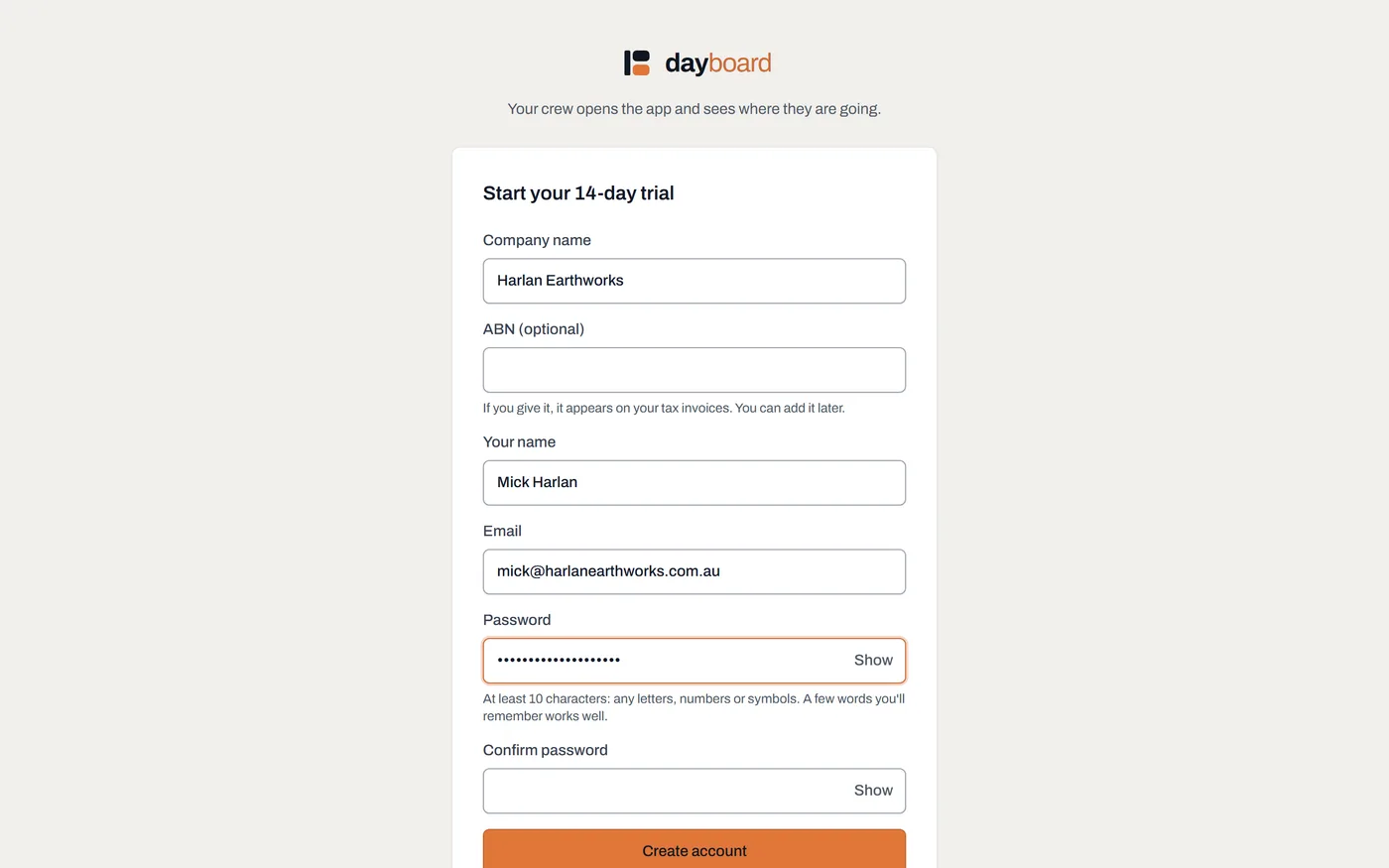
The whole signup. The footnote under the button is the deal in one line: no card required, cancel and export everything whenever you like. -
Fill in the four fields. Company name is what your crew will see when they're invited, Your name and Email are your own sign-in, and the Password needs at least 10 characters.
- A long password beats a clever one; a short phrase you'll remember is fine.
- Creating the account accepts the terms of service on your company's behalf. The form links them, and the short version is on the form itself: your data stays in Australia and is never sold.
- Click Create account. You land straight on Home, signed in. The green banner at the top counts your trial down and says exactly where you stand: nothing is charged until you add a card, and nothing is deleted if you don't.
-
Confirm your email address. A banner sits on Home until you do, because without a confirmed address Dayboard can't reset your password if you're ever locked out. Two emails arrive when you sign up: a welcome, and one titled Confirm your email address for Dayboard; the link is in that second one.
- Nothing arrived? Check spam, then click Send the link again in the banner.
-
Have a look around Home. The Getting started checklist at the bottom is your map for the first afternoon, and it has its own guide. If you'd rather poke at something real before typing anything in, load the sample data.
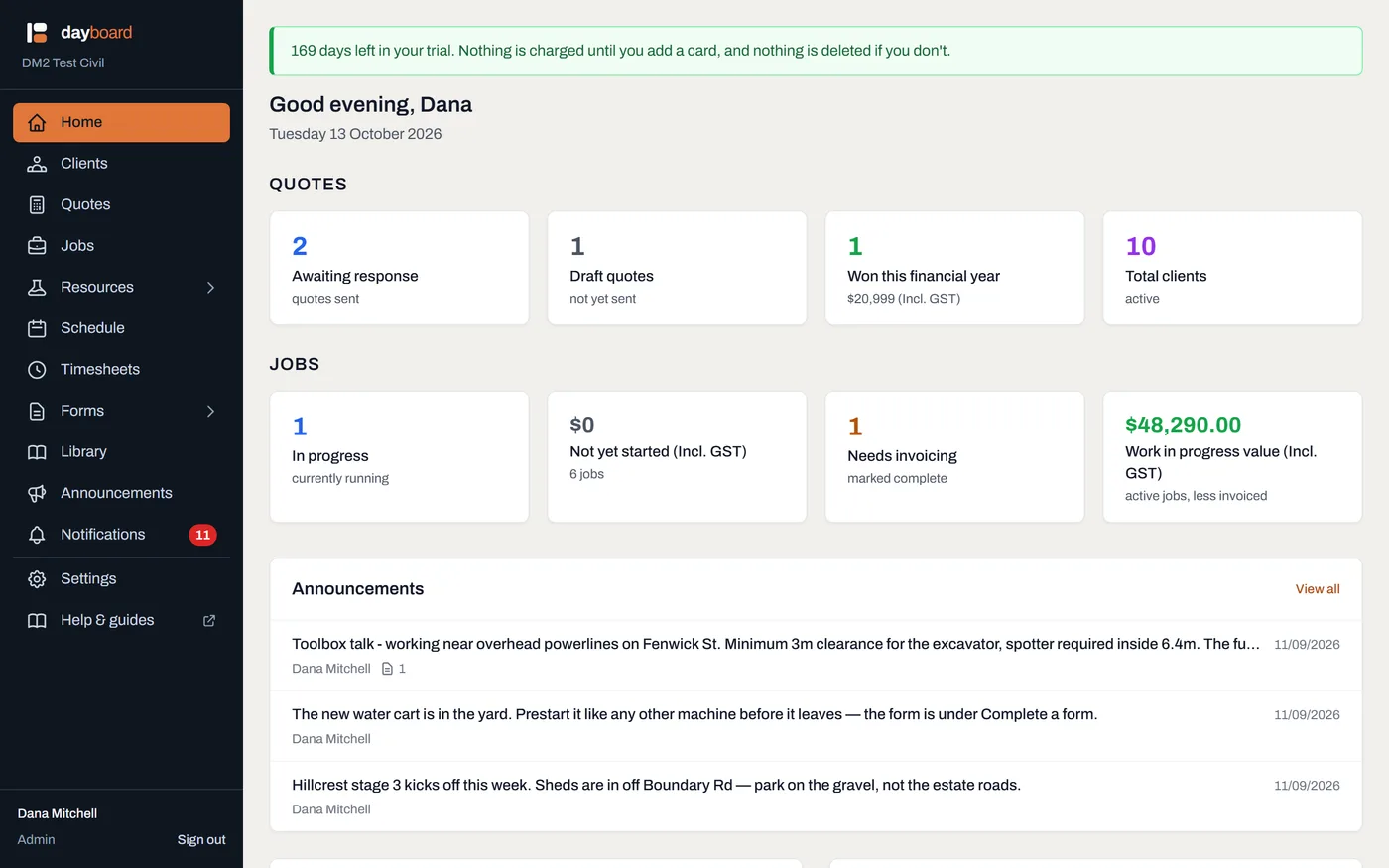
Home once things are moving: what needs attention first, then what's happening today. On day one it's mostly the checklist. -
Sign in from anywhere later. Go to dayboard.com.au, click Sign in, and use the same email and password, on any computer or phone.
- If your email address is on more than one Dayboard account (say you sub to two companies that both use it), a Which company? screen asks you to pick. Just tap the right one.
- Lost the password? Click Forgotten your password?, enter your email and click Send reset link. The link works for two hours.
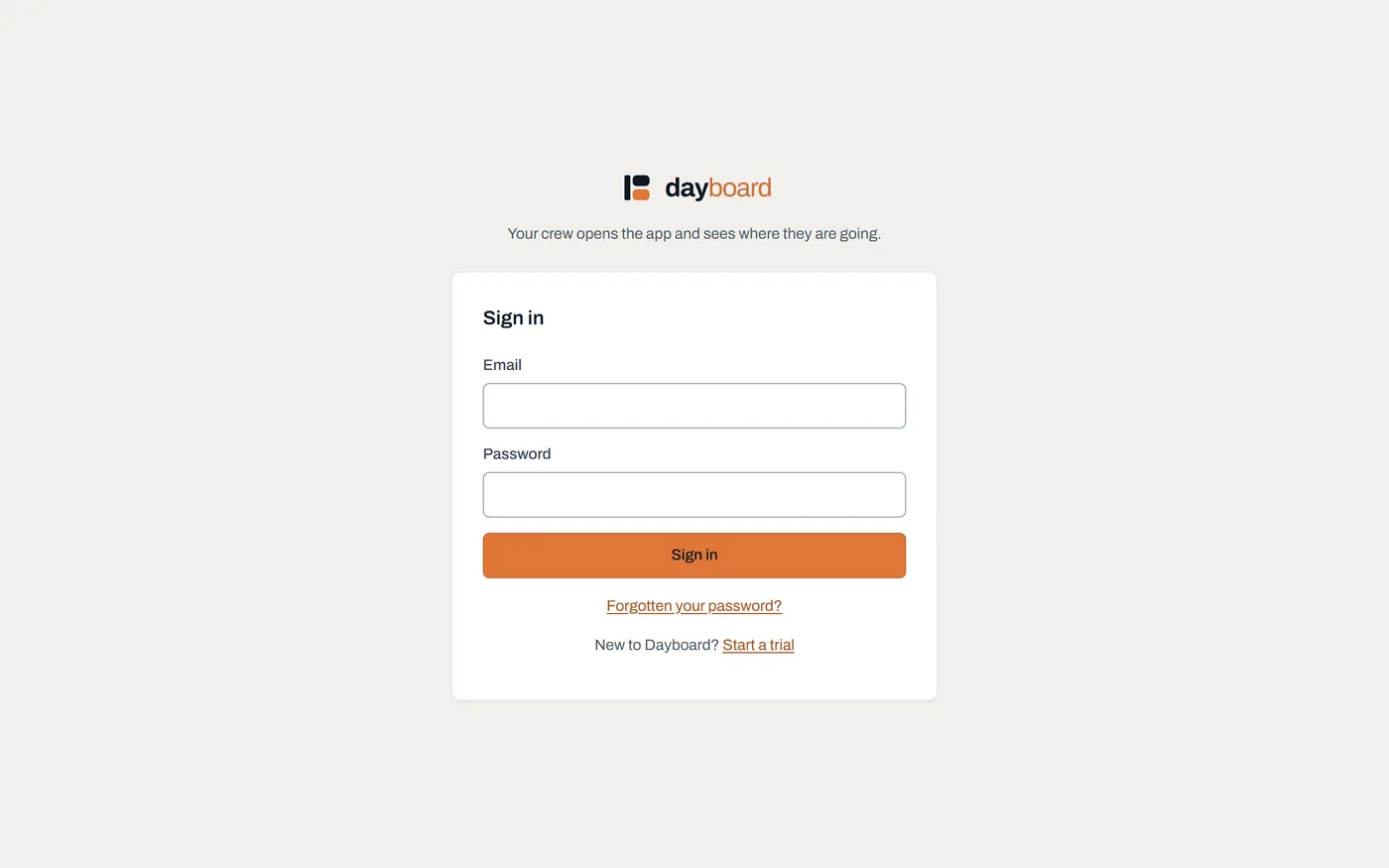
Sign in, with the password reset and trial links underneath. This is also the screen your crew sees after they accept an invitation.
Worth knowing
- The trial is the real product. Everything is on (scheduling, documents, forms, invites) for 14 days, and whatever you set up carries straight through when you add a card.
- If the 14 days run out before you add a card, the account goes read-only rather than disappearing. It's kept for 90 days, and adding a card brings it straight back to life.
- Same email, two companies means two separate accounts that happen to share an address; the picker at sign-in is how you choose between them. Nothing crosses over.
- The reset page answers the same whether or not an email address is on an account, on purpose: it never confirms to a stranger that an address is one of ours.