Guides › Getting started
Put your policies in the Library
One place for the documents everyone needs, readable by the whole company, including the crew on their phones. Five minutes to set up.
The short version
Open Library, type a section name into New section, click Add section, then drop your files into Add documents to this section. Several at once is fine. Managers and admins curate; everyone, field workers included, can read, search and download the lot.
- Open Library. It's in the sidebar for everyone; what you see next depends on your role. Managers and admins get the tools below; the crew just gets the shelves.
- Add a section. Type a name into New section (think "Policies", "SWMS templates", "Toolbox talks") and click Add section. Sections are one level deep, no folders inside folders: a document lives in exactly one section, so nothing can be filed somewhere nobody looks.
-
Add your documents. Every section has an Add documents to this section box. Pick several files at once and they all go up. PDFs, photos, Word and Excel files are all fine.
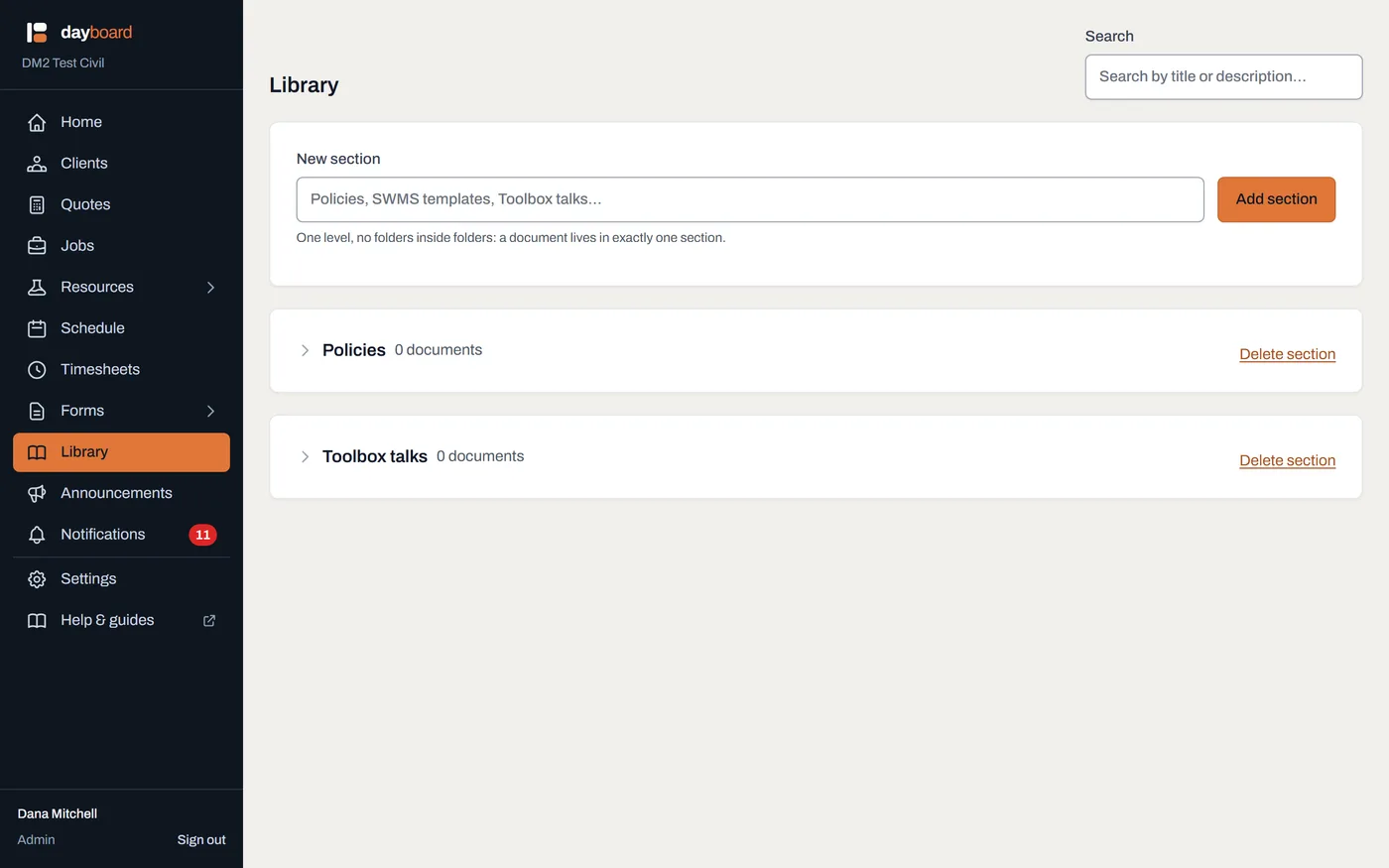
Each section carries its own upload box, and the search up top covers every section at once. -
Let everyone read it. Anyone in the company can open a document in the in-app viewer, download it, or find it with the search box, which searches by title or description. Field workers see the whole Library on their phones, which is the point: the fatigue policy is on site, not on a shelf in the office.
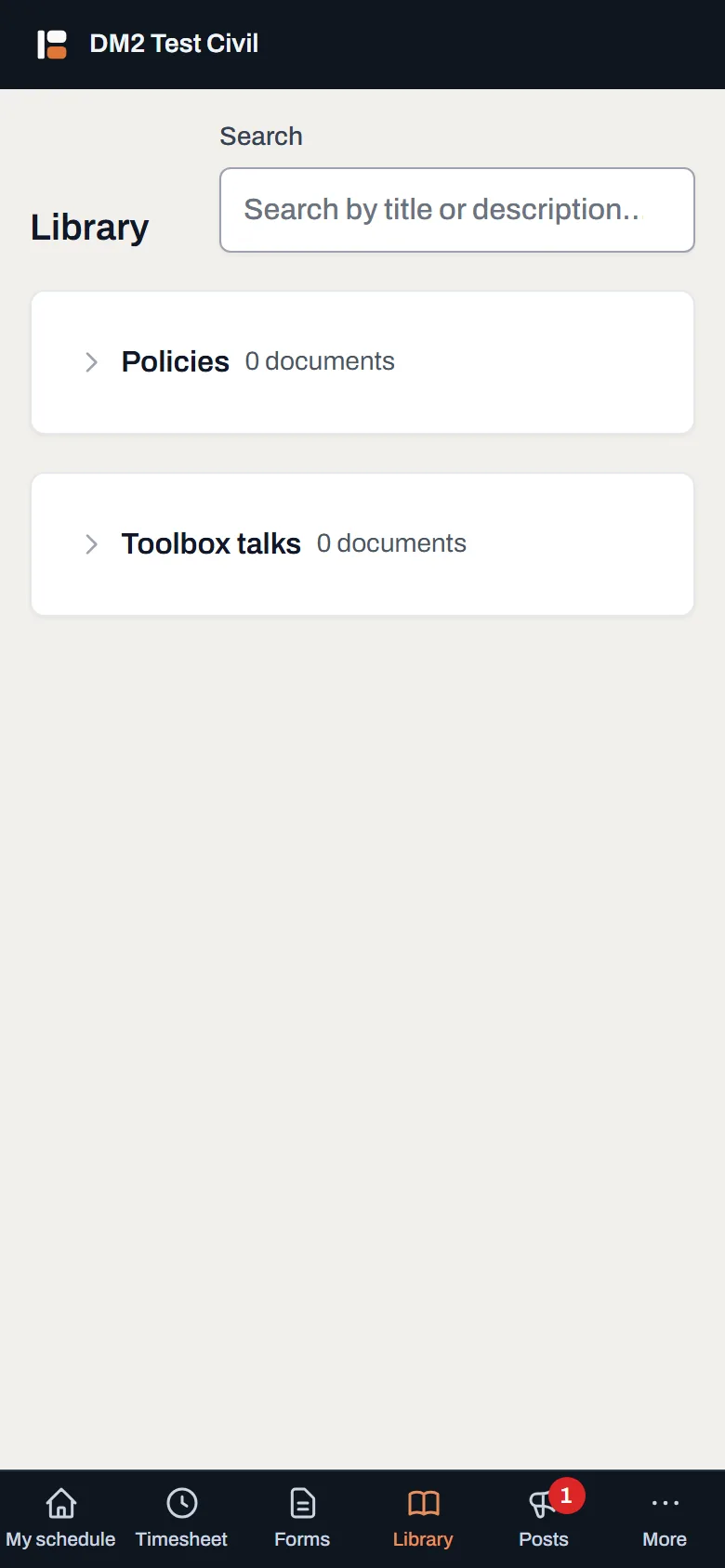
The crew's view. Reading, searching and downloading, with no upload box and no delete buttons. - Tidy up when things change. Remove a document from its row; the confirmation reminds you an admin can get it back for 30 days. A Delete section link appears on a section only once it's empty, so a shelf full of documents can't be swept away in one click.
Worth knowing
- Everyone can read everything here. The Library is deliberately the one whole-company reading area a field worker has. If a document shouldn't be crew-readable, it doesn't belong in the Library.
- Curating is manager-and-up. Field workers never see the upload boxes or the remove buttons.
- A removed document isn't gone for 30 days: an admin can get it back, so a mis-click costs nothing.
- Delete section only works on an empty section. Remove or re-home its documents first.
- Job drawings don't belong here. Attach those to the job itself, where the crew booked on it sees them. The Library is for the company-wide stuff.