Guides › Getting started
Look around with sample data
A working pretend company to poke at, loaded in one tap and deleted without a trace. About two minutes.
The short version
The Sample data panel at the bottom of Home loads a working company: ten clients, a crew of ten, ten machines with meters, ten jobs with real PDFs, a booked fortnight, a published prestart form and a safety post. Try everything on it, then click Delete the sample data and it's gone, exactly and completely. It never touches your own rows and never appears in an export.
-
Open Home and scroll to Sample data. The panel is at the very bottom, and it's admin-only; the same panel also lives on the Billing page.
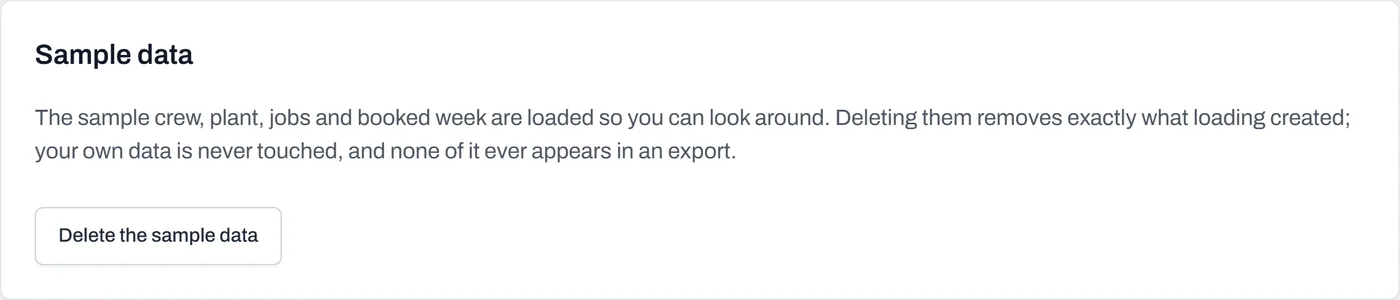
The same panel loads and deletes. Its promise is written on it: deleting removes exactly what loading created, and none of it ever appears in an export. - Click Load sample data. One tap, no wizard. If sample data is already loaded, Dayboard says so and asks you to delete it first; there's only ever one copy.
-
See what arrived. A working, recognisable company:
- Ten clients, from Redgum Estates to the Shire of Barwon, with representatives, accounts contacts and notes on the busy ones.
- A crew of ten and ten machines, with meters, readings, service records, registrations and compliance tickets behind them, a couple deliberately close to expiry, so you can see how Dayboard nags.
- Ten jobs covering every status, two carrying real PDF attachments: a site plan, a SWMS and a traffic management plan.
- A booked fortnight on the schedule (plus a finished week behind it), a machine off at the mechanic, a published Plant prestart form, and an acknowledgement-required toolbox post.
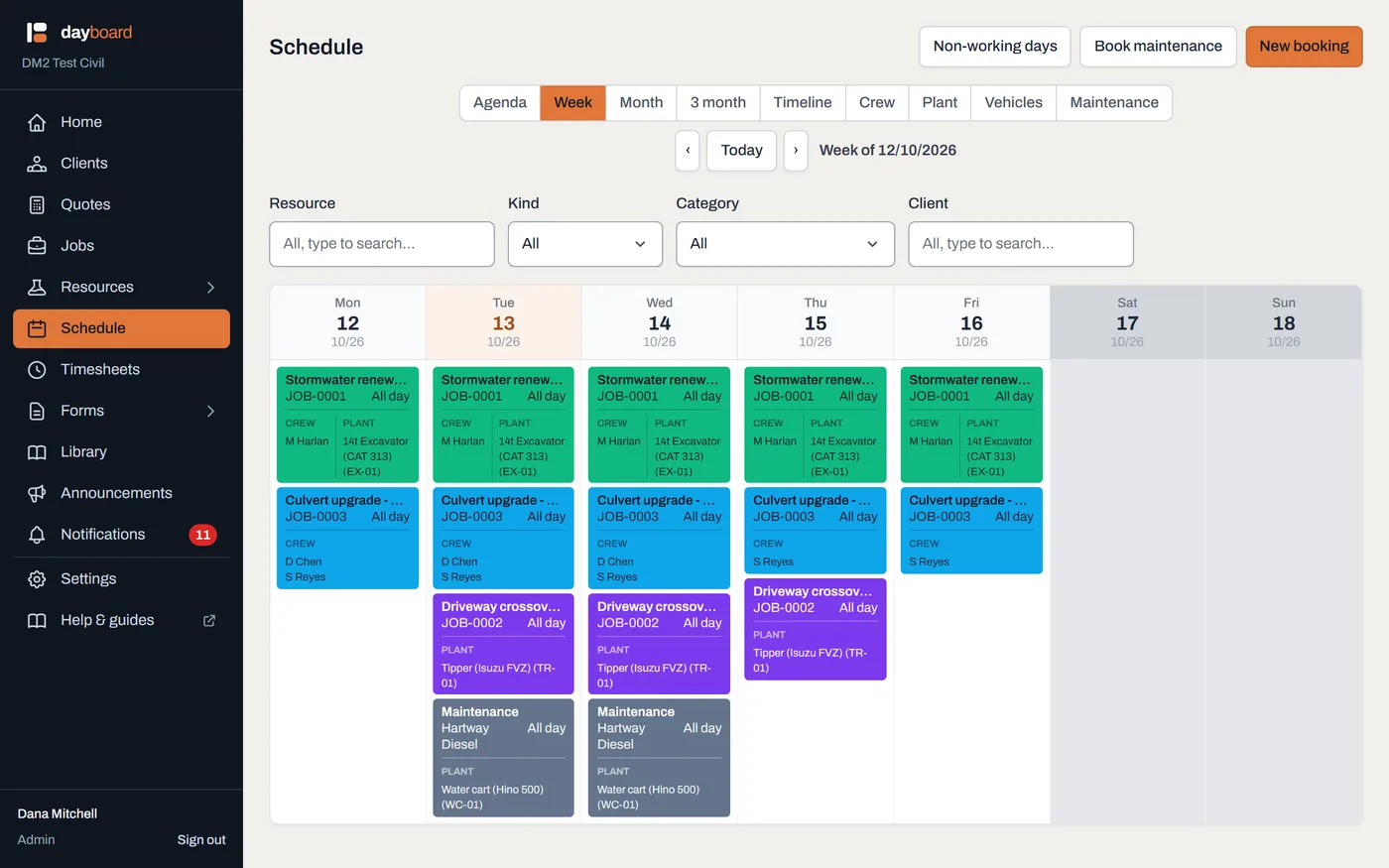
The booked week lands on the schedule straight away, enough to see how a real day reads. - Use it like it's real. Open a job and view its PDFs, book Dave on something, fill in the prestart against the excavator, and try double-booking the excavator to watch the clash check refuse it with names and dates.
- Click Delete the sample data when you're done. Same panel, one tap. Deletion is exact: it can only ever remove what loading created, so anything you added yourself stays put.
Worth knowing
- Sample rows never appear in an export. Your data export is your company's record, and the demo furniture is kept out of it by design.
- It never ticks the getting-started checklist. The checklist counts only things you did for real.
- There are no sample form submissions, on purpose. A submitted prestart is a safety record, and Dayboard won't invent one signed by nobody; fill one in yourself to see how it works. If you do, that one is yours: it's a real record, so it stays with you, it comes out in your export with its signed PDF, and the sample form it was filled in on stays too, because an answer sheet without its questions is no record at all. Deleting the sample data leaves it alone.
- Don't store real files on sample jobs. Anything owned by a sample row, including a document you upload onto a sample job while poking around, goes when the sample data goes.